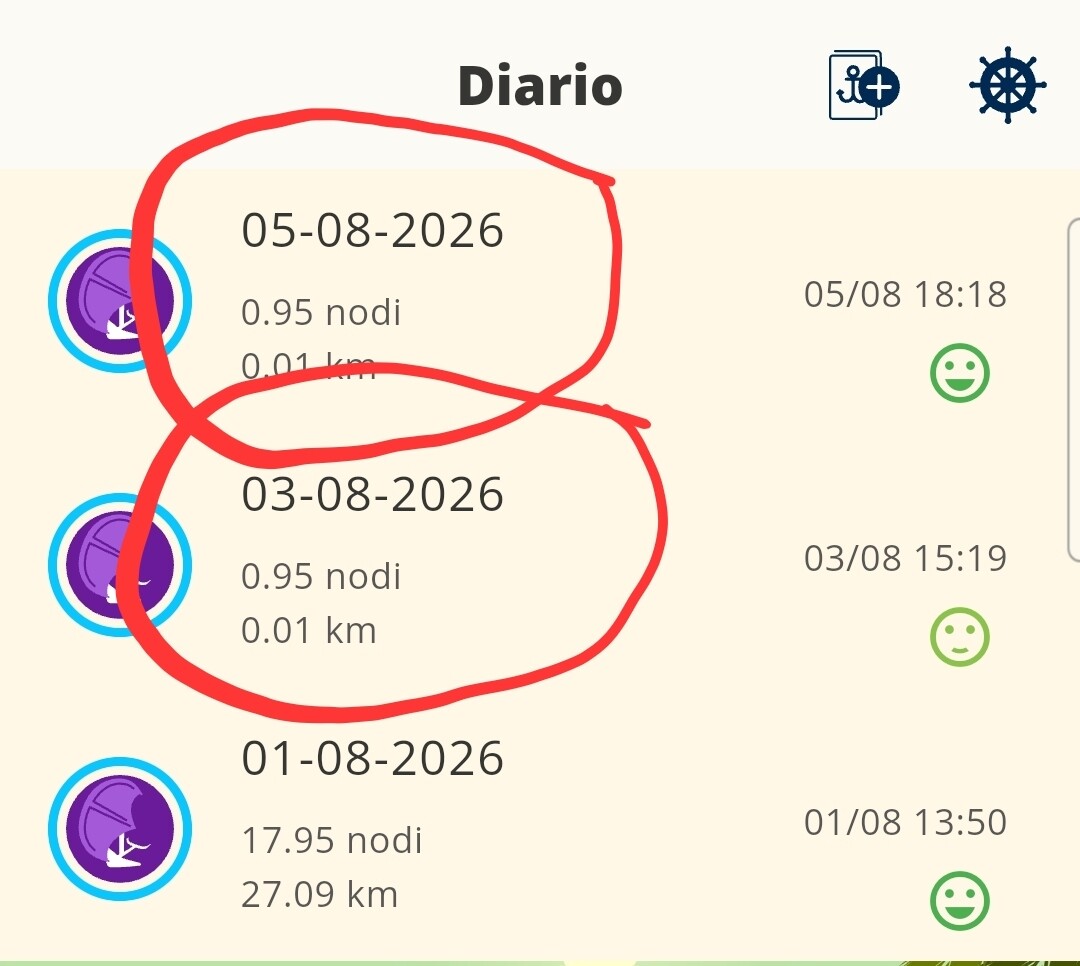
The permissions all seem okay to me
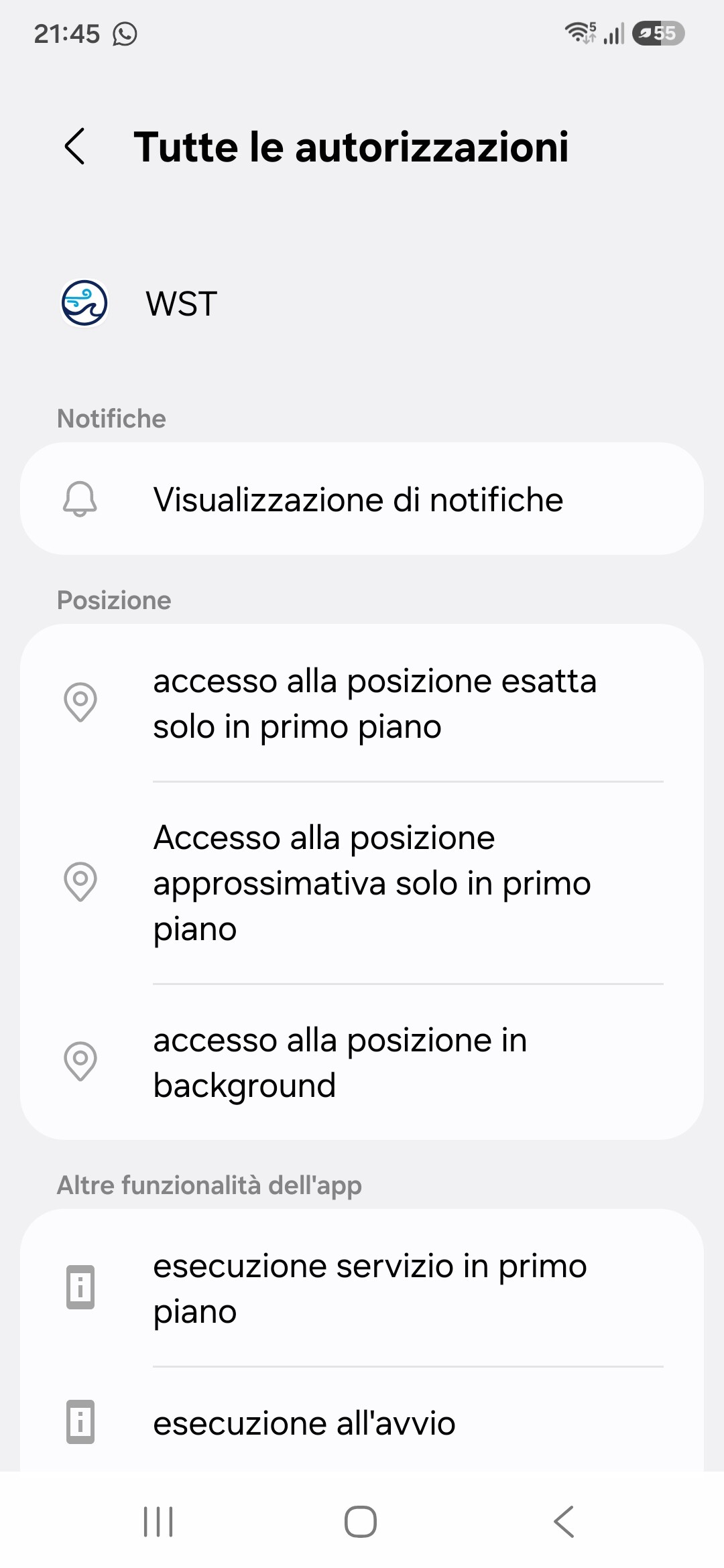
The app version is 2.0.24 on ONE UI 8.5..
Hi!
The issue is almost certainly related to your Samsung’s power-saving settings. A recent system update most likely enabled these restrictions or removed the exception for WindsportTracker.
To fix it, try these steps:
Battery optimization
Settings → Device care → Battery → Optimize battery usage → search for WindsportTracker → select Don’t optimize
Background apps
Settings → Apps → WindsportTracker → Battery → set to Unrestricted
Power-saving mode
Make sure power-saving mode isn’t enabled during your sessions — on Samsung devices, it can completely disable GPS when the screen turns off.
For more information about power restrictions from different manufacturers, you can find a guide specifically for Samsung at dontkillmyapp.com.
Let us know if tracking starts working again after making these changes!
Thanks.. I solved it.. Anyway, just to be safe, now I turn off power saving mode when I get into the water