How can I clean up the map display? I didn’t ask for speed color legend or the oversized compass, etc., and the legend covers the icon that might lead to a menu for getting rid of the overlays.
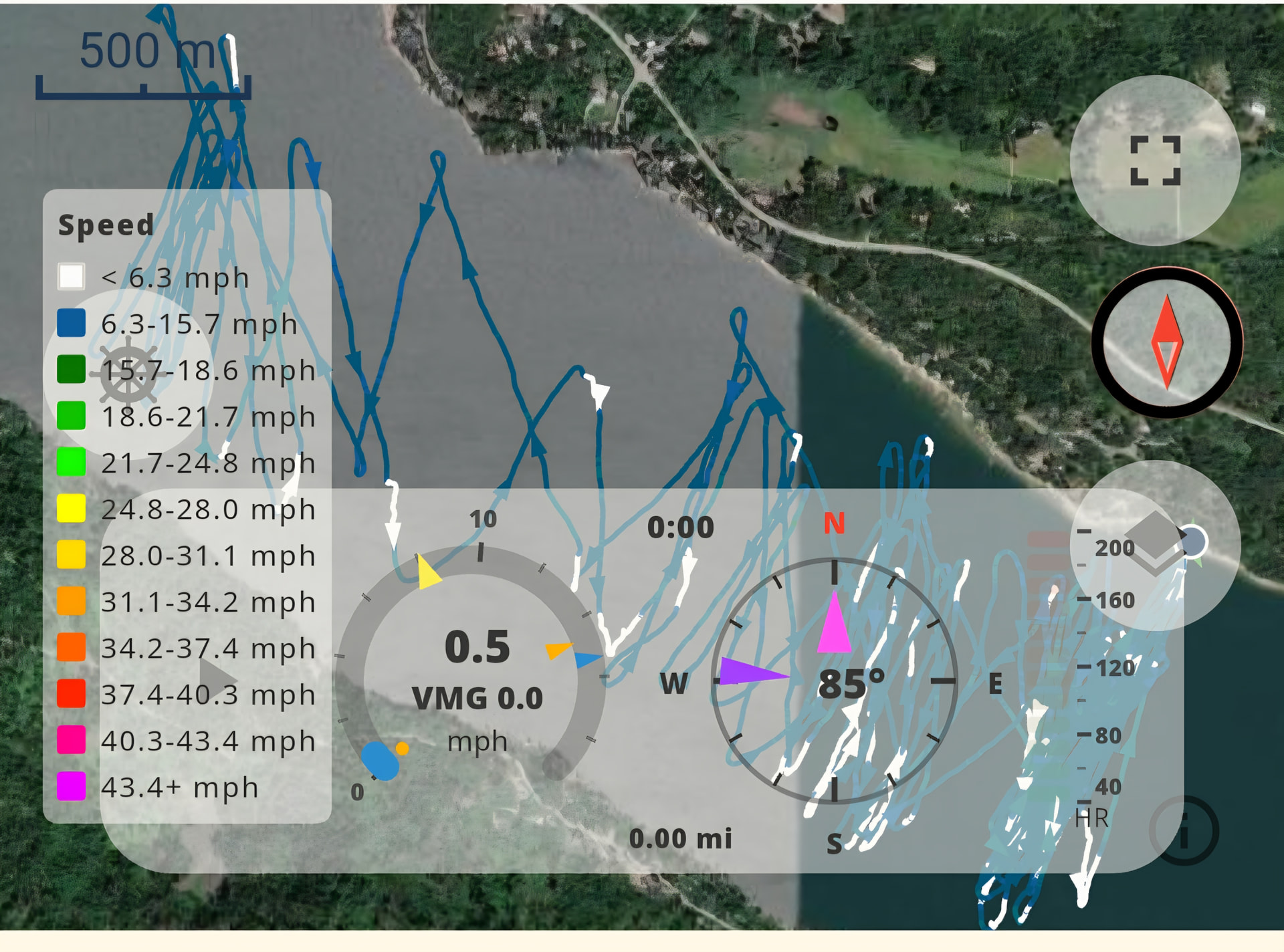
Open the fullscreen map view via the icon top-right — that gives you enough room to open Map Settings and turn the legend off there. You can also disable the cockpit and switch back to the old compass, or turn off compass and cockpit on the map entirely.
A cleaner default for small screens is on our list.
With today’s update (2.1.0) you now have more control in the map settings over what’s shown on the map.
Separately: the legend and cockpit now auto-hide when there isn’t enough screen space. If either isn’t showing, that’s why — open the fullscreen map view to get the space back.