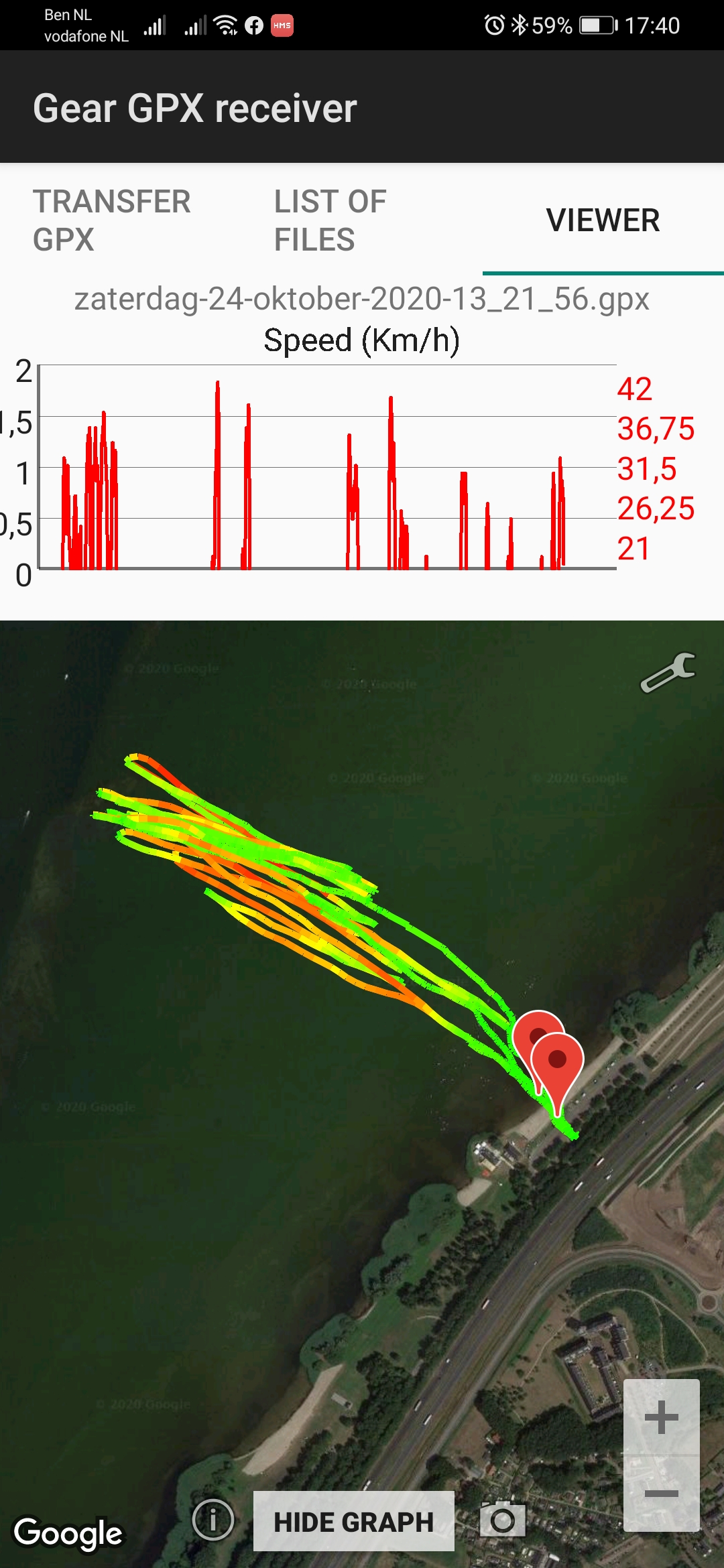
I surfed with a galaxy watch with gps tracker. When I export the file to my phone and view it via the gps app, the top speed is around 45 km/h (measurement in 2 second interval)
is it possible for you to add a sample file as GPX?
I suspect that the exported data does not contain Doppler values.
Can you set the measurement to 1 second? The Galaxy Watch should actually be able to do that.
Can you also include a file with the Samsung Health app? Make sure with the Samsung Health app that the watch and the app are set to use the watch’s GPS as accurately as possible.
You don’t have to windsurf, 5 minutes of walking is enough to analyze the data.
The algorithm for finding and filtering such spikes has been greatly improved in Version 2. Additionally, there is now a track editor that allows you to cut out spikes when needed—or anything else that doesn’t belong to the track.
V2 includes a track editor that lets you trim the start and end of a session, as well as remove mid-session spikes not yet caught by the automatic cleaning algorithm.