Hello, on the desktop, the WindsportTracker currently keeps freezing for me in the sessions area. Tested on Windows in Chrome and Firefox.
Best regards,
Thomas
Hello, on the desktop, the WindsportTracker currently keeps freezing for me in the sessions area. Tested on Windows in Chrome and Firefox.
Best regards,
Thomas
What exactly do you mean by freezing?
Does it mean you can’t click anything anymore, can’t open a session or switch menus? Or just can’t scroll?
Have you already tried clearing the browser cache or opening the page in incognito mode?
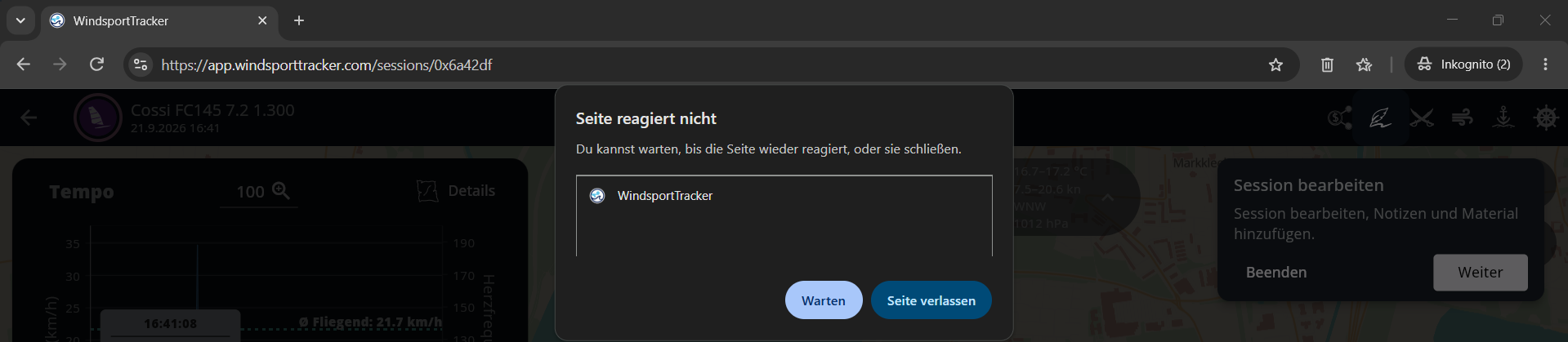
I can’t click on anything anymore, can’t switch menus, and can’t open another session. I haven’t tried clearing the cache or incognito mode, but I did try a browser where I hadn’t visited the page before. I’ve now also tested incognito in Chrome. I can neither close the new pop-ups with the editing hints nor click on “continue”:
I tested it on my Windows system and nothing freezes there. To narrow down the cause, I need a few details:
Sorry for all the questions, but this way I can narrow down the problem the fastest.
Hello Matthias,
thank you for the quick response.
Best regards
Thomas
The Chrome version was still missing: Version 153.0.8010.53 (Official Build) (64-bit)
Firefox: Version 156.0.1 (64-bit)
In the meantime, I also tested DuckDuckGo and Edge and cleared my Chrome cache again. There, and after clearing the Chrome cache, I got one step further each time and was able, for example, to open the share preview. After that, the page froze again. On the second device, everything runs smoothly.
PS: I have quite a lot of sessions in the windsport tracker (877 sessions, 1312 hours). Could it possibly be related to that?
It’s not due to the number or length of sessions.
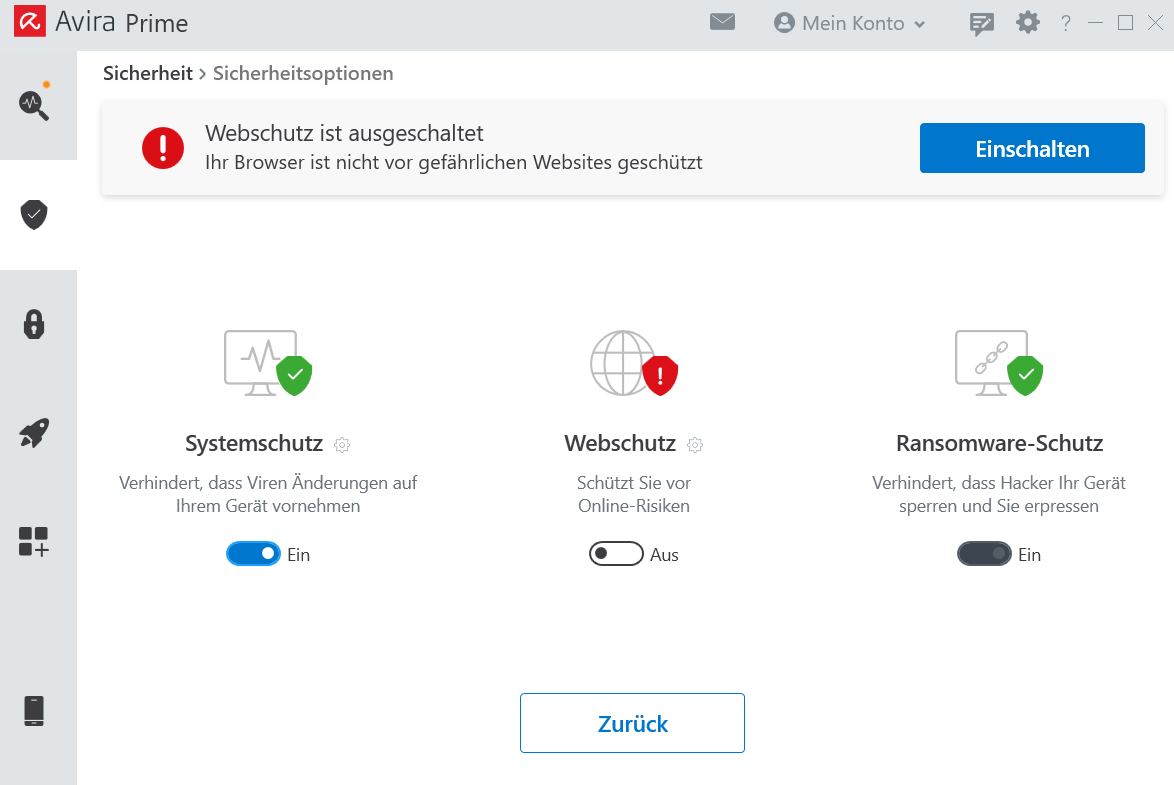
I suspect a combination of Avira and/or graphics drivers.
Could you please perform the following steps and send me the results (support@sunbits.de) (or the report is sufficient, answer the rest here)?
chrome://gpu in the address bar and press Enter.Thanks for the info.
I made a change. Can you check if it works now? Preferably in an incognito window, so that no cache is definitely used.
Unfortunately, unchanged. Tested in Incognito window in Chrome as well as in Edge with previously cleared cache.
Topic resolved, as already exchanged via email. Many thanks for the excellent support and assistance in solving the problem!