Good afternoon, I just installed the app and I can’t start a session to test it… I don’t know where to go to start the workout?
Hello,
when you open the app, you can press the red button in the lower right corner.
There may be 2-3 questions that GPS should allow and battery optimizations are disabled.
Then press the red button again in the lower right corner.
After that, the session recording starts.
Does this help you?
still doesn’t open anything
Can you send me one or two screenshots so I can see exactly what you mean? Thank you
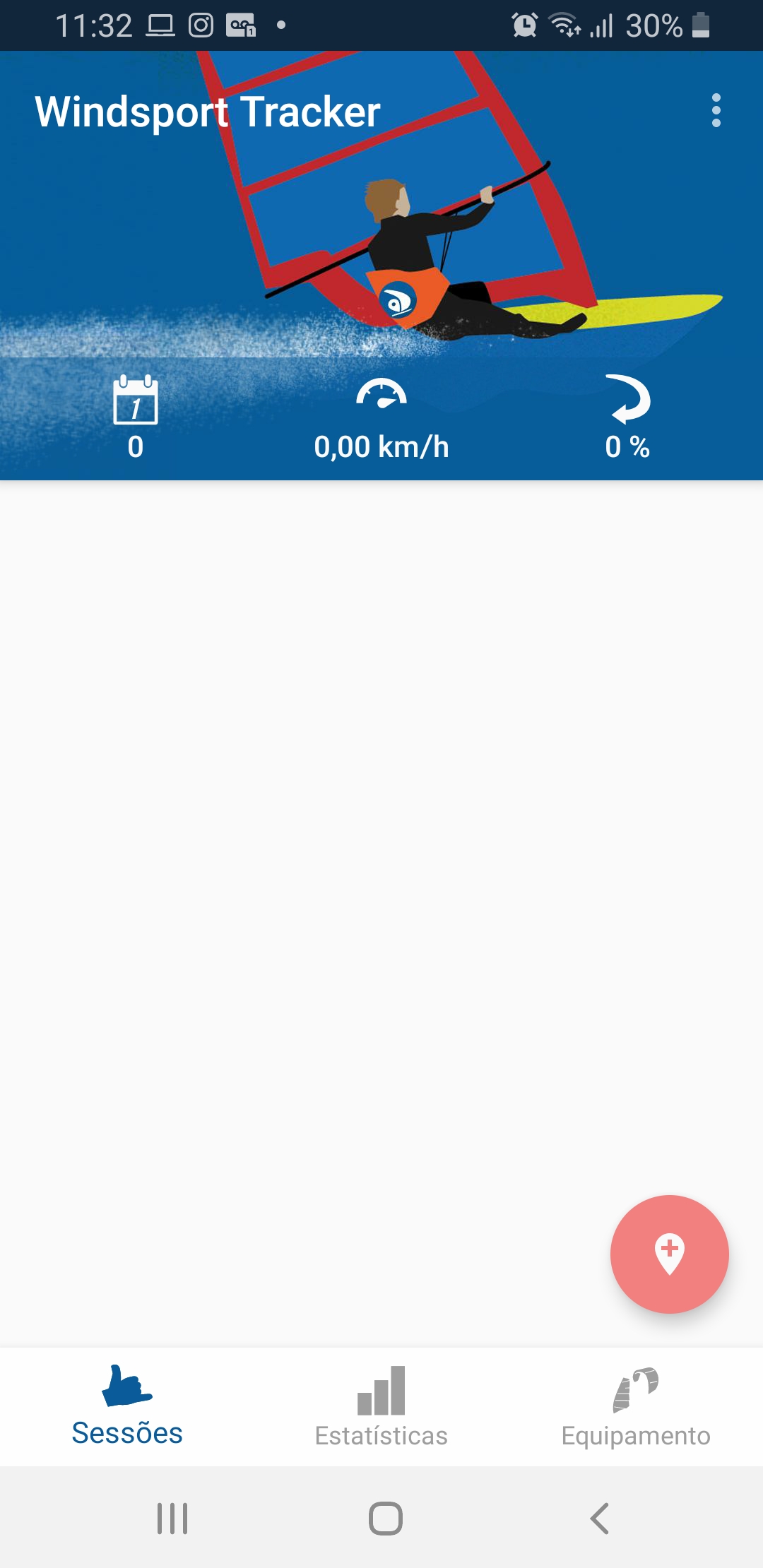
there is no other capture, I click on the red plus button and it doesn’t do anything.. nothing opens…
hm ok very funny, can you try clicking on the red button when you’re in the material view?
So first switch to the material view, then the red button should also have a + symbol and then press it.
What type of phone do you have and what version of Android are you using?
Have you ever tried importing a GPX file or reinstalling the app?